Script Requirements
Any valid .jmx will run in LoadLitmus — it calls JMeter, so if JMeter can run it, so can the dashboard. What changes from script to script is how much of it you can drive from the UI. This page is the checklist, and every rule here was checked against the dashboard's own reader and against several scripts from finished projects.
The load fields
The Load card is the panel that lets you set users, ramp and iterations without touching the file. It works only when the Thread Group is a shape the dashboard understands.
| Thread group shape | Load card |
|---|---|
| One classic Thread Group | ✅ editable |
| Several classic Thread Groups | ✅ editable, one row each |
| One Concurrency Thread Group (jpgc) | ✅ editable |
| One Ultimate / Stepping / Arrivals / Free-Form / Open Model group | ❌ refused ("unsupported type") |
| A setUp or tearDown group next to a normal one | ❌ refused ("multi-group") |
| No thread group at all | ❌ nothing to run |
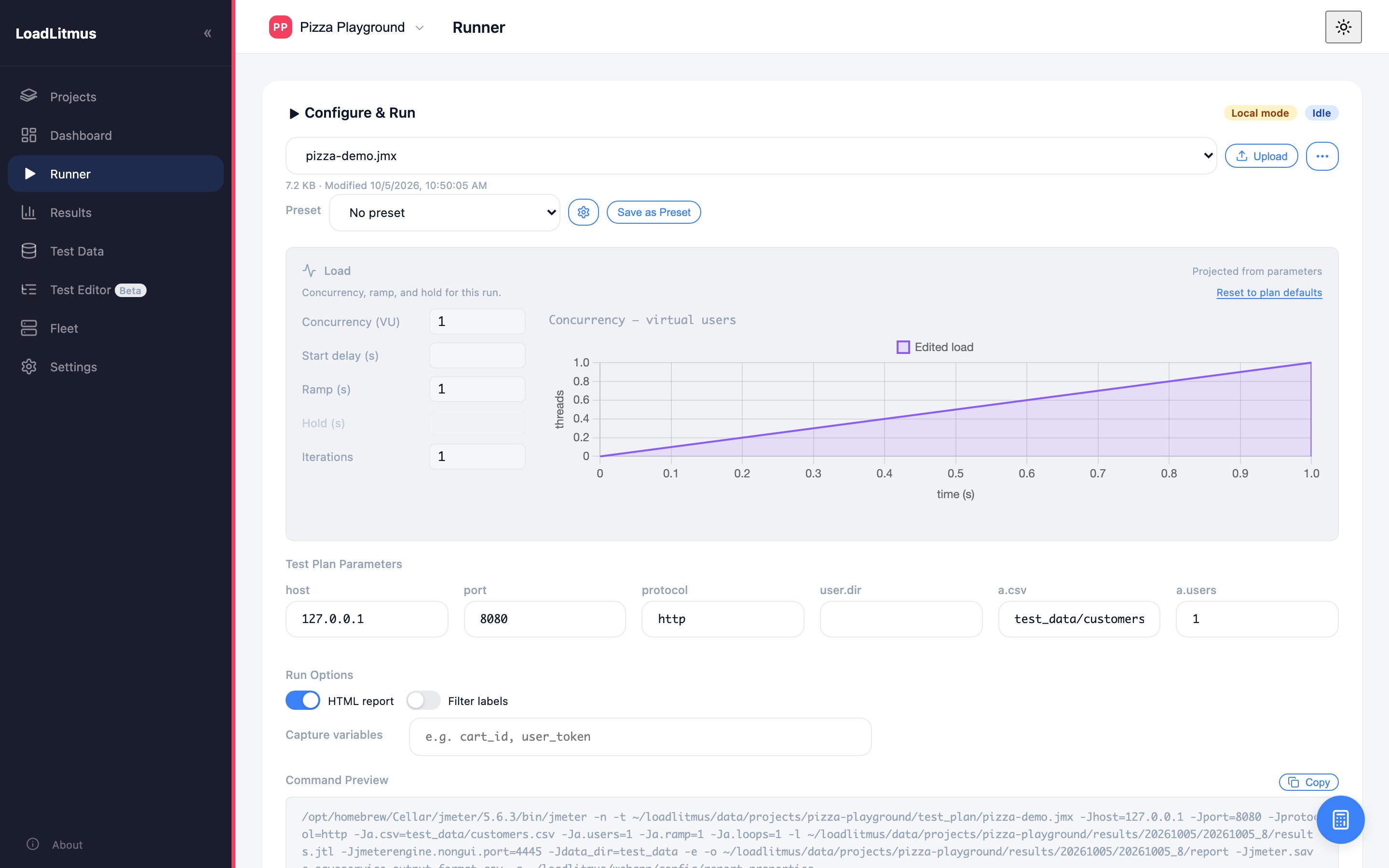
A refusal is not a failure — the test still runs. You just set the load from the parameter form instead. Two of our finished projects run that way because they need a setUp group.
Put the parameters directly in the Thread Group fields:
<stringProp name="ThreadGroup.num_threads">${__P(a.users,1)}</stringProp>
<stringProp name="ThreadGroup.ramp_time">${__P(a.ramp,1)}</stringProp>
<stringProp name="LoopController.loops">${__P(a.loops,1)}</stringProp>
Do not route them through a User Defined Variable (${users}), even though JMeter is happy with it. One of our production scripts does that, and its Load card comes up blank — the dashboard reads the field, sees ${user}, and cannot show a number.
Disabled groups are ignored. A disabled setUp group does not trigger the multi-group refusal, so switching one off is a valid way to get the Load card back.
Parameters
Every ${__P(name,default)} in the file becomes a field on the Runner page. That is the mechanism for everything you want to change per run:
host      = ${__P(host,app-stg.client.my)}
password  = ${__P(password)}          <!-- no default: typed in at run time -->
smoke     = ${__P(smoke,true)}

The tidiest pattern, and the one the newer project scripts use, is one User Defined Variables block at the top acting as a control panel: each row maps a __P to a short name, with a description explaining why it exists. The rest of the script uses ${host}, ${smoke} and so on.
- Keep load parameters out of that indirection (see above).
- Give secrets no default, so they are typed in per run and never stored in the file.
- A UDV is read once at test start and shared by all users — never put per-user values in it.
Test data
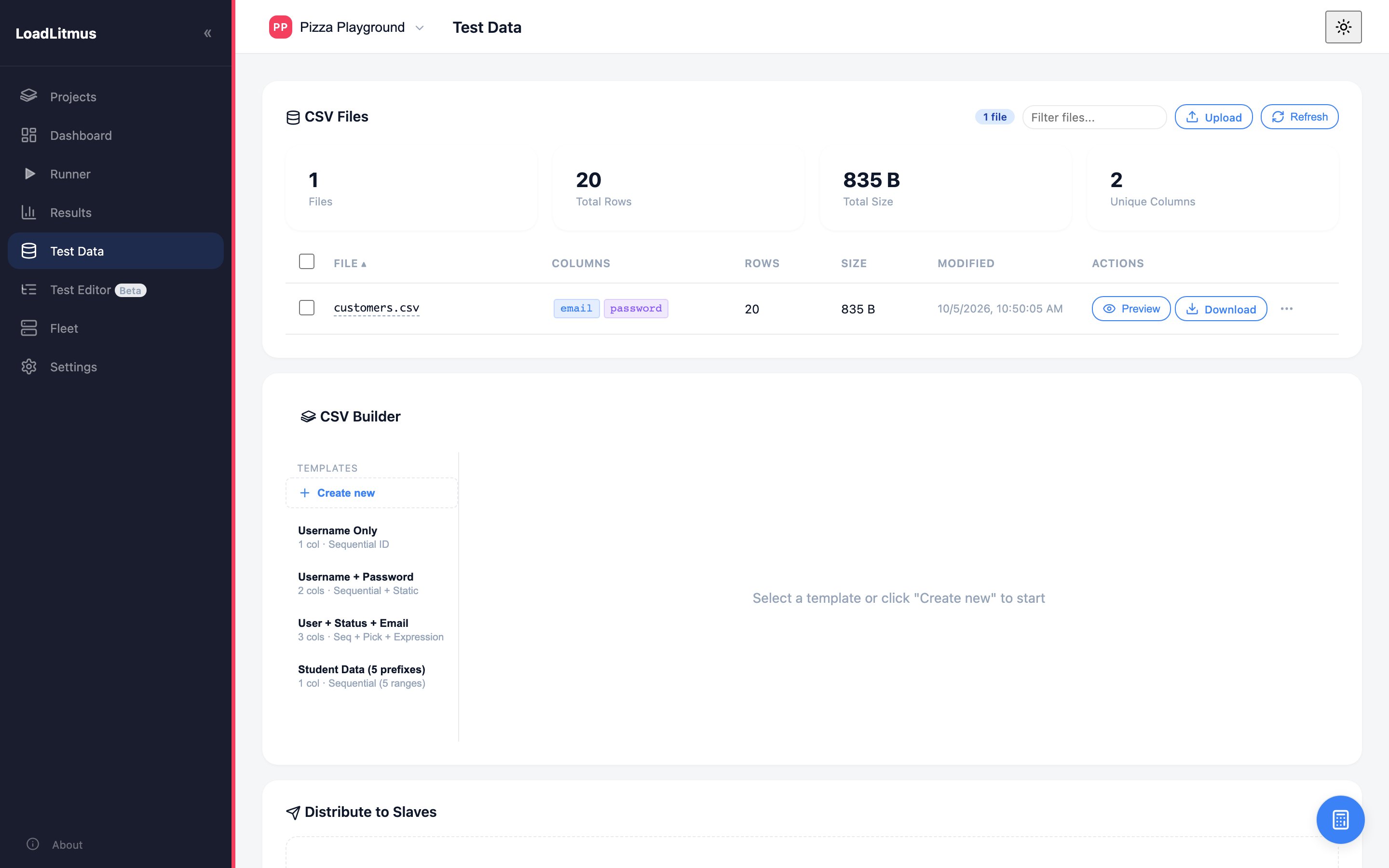
Write CSV paths like this:
${__P(user.dir)}/${__P(a.csv,test_data/users.csv)}
user.dir is the folder JMeter starts in. LoadLitmus starts it in the project folder, so the path lands on data/projects/<slug>/test_data/users.csv. On a slave, the same expression resolves inside the slave's own folder, where the Test Data page copies files to. One expression, both machines, no absolute paths.
An absolute path such as C:/Users/opc/Desktop/PROD/test_data.csv — which one of our production scripts still carries — only works on the one machine it was written on.
Results you can debug
Attach a Result Saver to the steps that matter, set to failures only:
File name prefix: ${__P(user.dir)}/failed_response/02_login/${USERNAME}
Errors only:      true
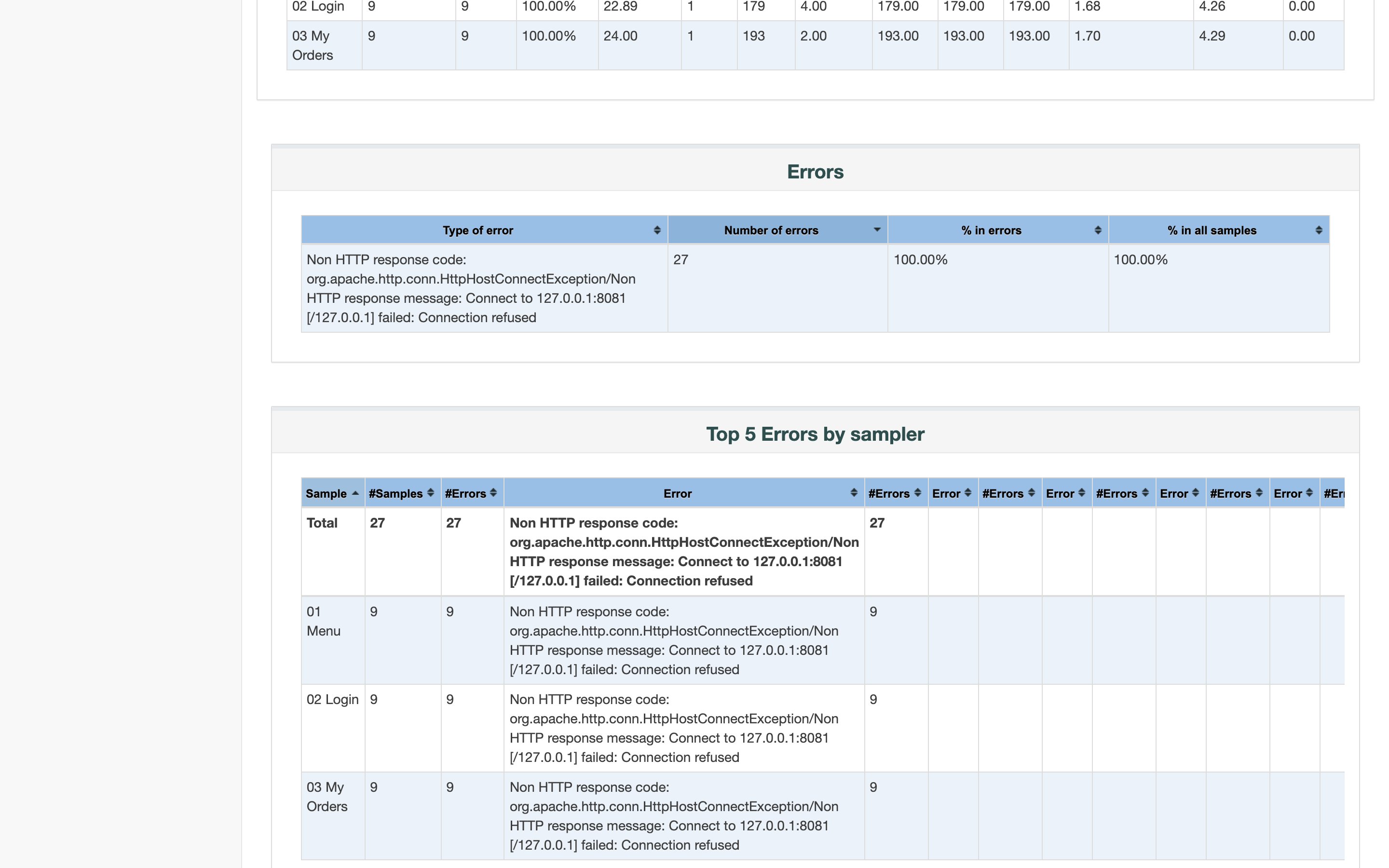
When a step fails you get the actual page the server returned, per user, and Fleet can collect the folder from every slave after a distributed run. Without it, a failed run tells you "500" and nothing else.
Listeners and the Backend Listener
Remove every listener before a load run. View Results Tree and Summary Report cost memory and add nothing: LoadLitmus writes the JTL itself and generates the report afterwards.
The InfluxDB Backend Listener is a special case:
- If monitoring is configured in App Settings, LoadLitmus injects its own listener into a patched copy of your plan at launch, with
runIdset to the result folder name. Your file on disk is never modified. - It removes any existing listener of the same plugin class first, so you do not get two.
- So: leave it out of the script. Keeping one in the file means an InfluxDB token in plain text in a file that gets copied around — the mistake in five of our six sample scripts.
Guards, so failures stay readable
Give every extracted value a known "missing" value and check it before continuing:
// JSR223 PreProcessor on the first sampler
["csrf", "landing_url"].each { vars.put(it, "NOT_FOUND") }
If Controller: ${__jexl3("${landing_url}" != "NOT_FOUND")}
Without a guard, a user whose login failed keeps firing every later request. Your error rate then measures your own script, not the system.
Assertions
Check content, not only the status code. A 200 carrying an error page is still a 200, and a failed login often answers 200 or redirects back to /login. Two of our production scripts have 0 and 1 assertions respectively — their runs looked perfect while the users were bouncing.
Useful pair for a page behind login:
Assert HTTP 200on the response code.Assert not bounced back to login— "Substring" + "Not" on the response headers or body.
Checklist before a script goes into a project
- Thread Group fields use
${__P(...)}directly, and the Load card is editable - Every knob is a
__Pparameter (host, paths, think time, flags) - Secrets have no default
- CSV paths use
${__P(user.dir)}/... - No hardcoded host, absolute path, token or password — search for
C:/,/Users/,Token - Listeners removed, no Backend Listener
- Every extractor has a
NOT_FOUNDdefault and a guard - Assertions check content
- The Test Plan comment says what the test answers, and what it does not
The starter template has all of this wired up already.