Fleet and Distributed Runs
One machine runs out of CPU long before a real system does. When you need thousands of users, JMeter runs in master/slave mode: your machine coordinates, other machines generate the load. Fleet is where LoadLitmus manages those machines.
Status: not yet validated for this guide. The mechanics below come from the app's behaviour and from our past distributed engagements, but no fleet was provisioned while writing this page. Treat the port list as authoritative and the click paths as a sketch. The JMeter side is explained in Distributed Testing.
Why distributed
- CPU per load generator. A JMeter engine handles a few hundred threads comfortably, not thousands.
- Network position. Load from inside the client network gives numbers that mean something; load through a VPN measures the VPN.
- Spread. 8000 users as 10 slaves × 800 threads is the shape of one of our real tests.
Fleet is shared across projects: define a machine once, enable it per project.
What a slave needs
| Requirement | Detail |
|---|---|
| SSH access | Key-based, from the master. LoadLitmus uses Paramiko |
| Java + JMeter | Same JMeter version as the master. Provisioning installs it |
| Same plugins | Any jpgc or WebSocket plugin your script uses, in lib/ext on every slave |
| Open inbound ports | 22 (SSH), 1099 (RMI registry), 50000–50100 (RMI), 9100 (metrics agent) |
| Outbound to master | The client.rmi.localport you pinned, so results can stream back |
Provisioning configures firewalld automatically on Linux slaves. On a locked-down client network, send that port list to their network team early — it is the step that always takes a week.
Setting up
- Fleet → add a slave: IP, SSH user, key, a nickname you will recognise at 2 a.m.
- Provision it: Java, JMeter, plugins, firewall rules, the metrics agent.
- Check status — the list shows reachable, JMeter present, agent responding.
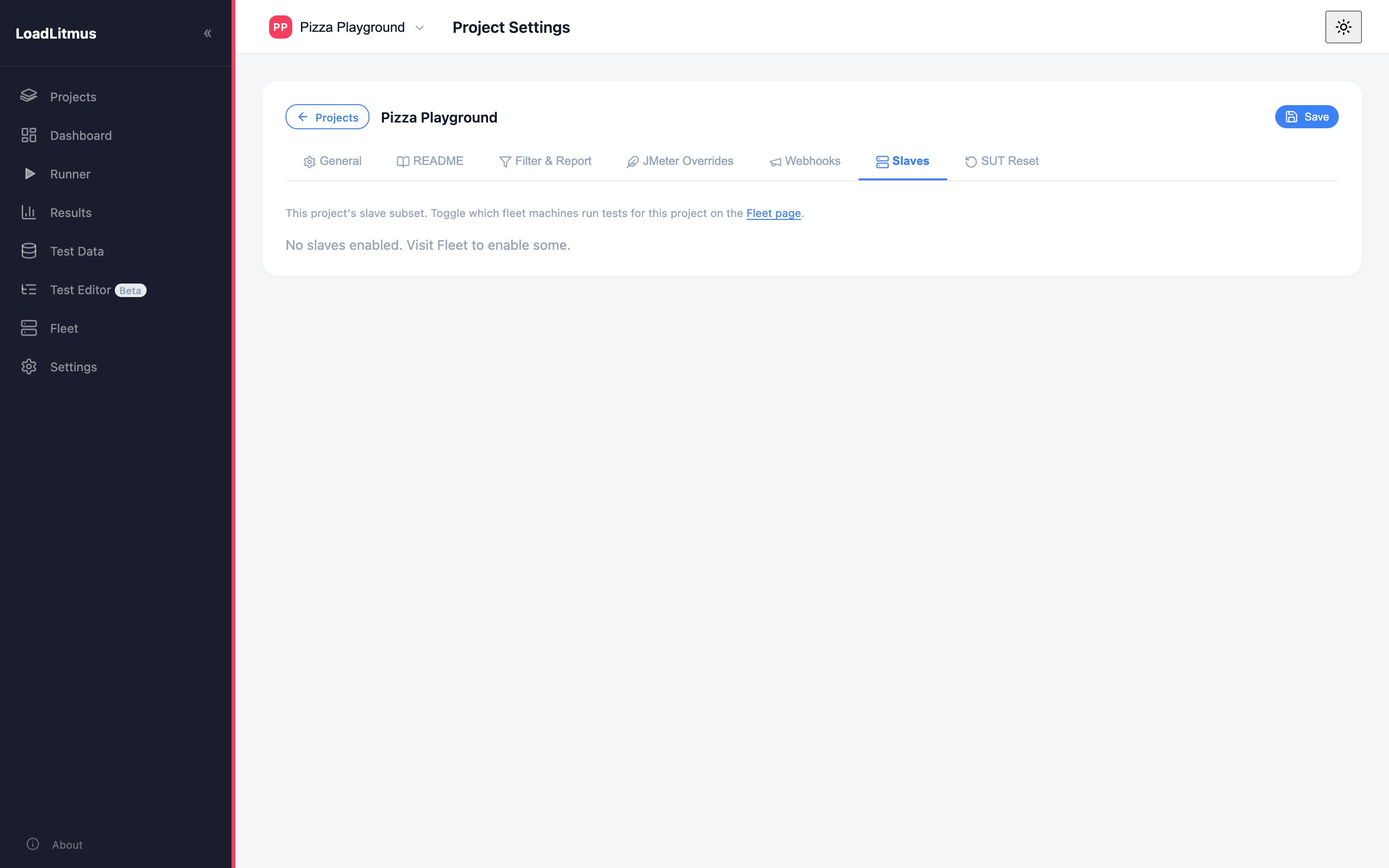
- Enable it for the project with its toggle on the Fleet page. Project Settings → Slaves then lists the enabled ones.
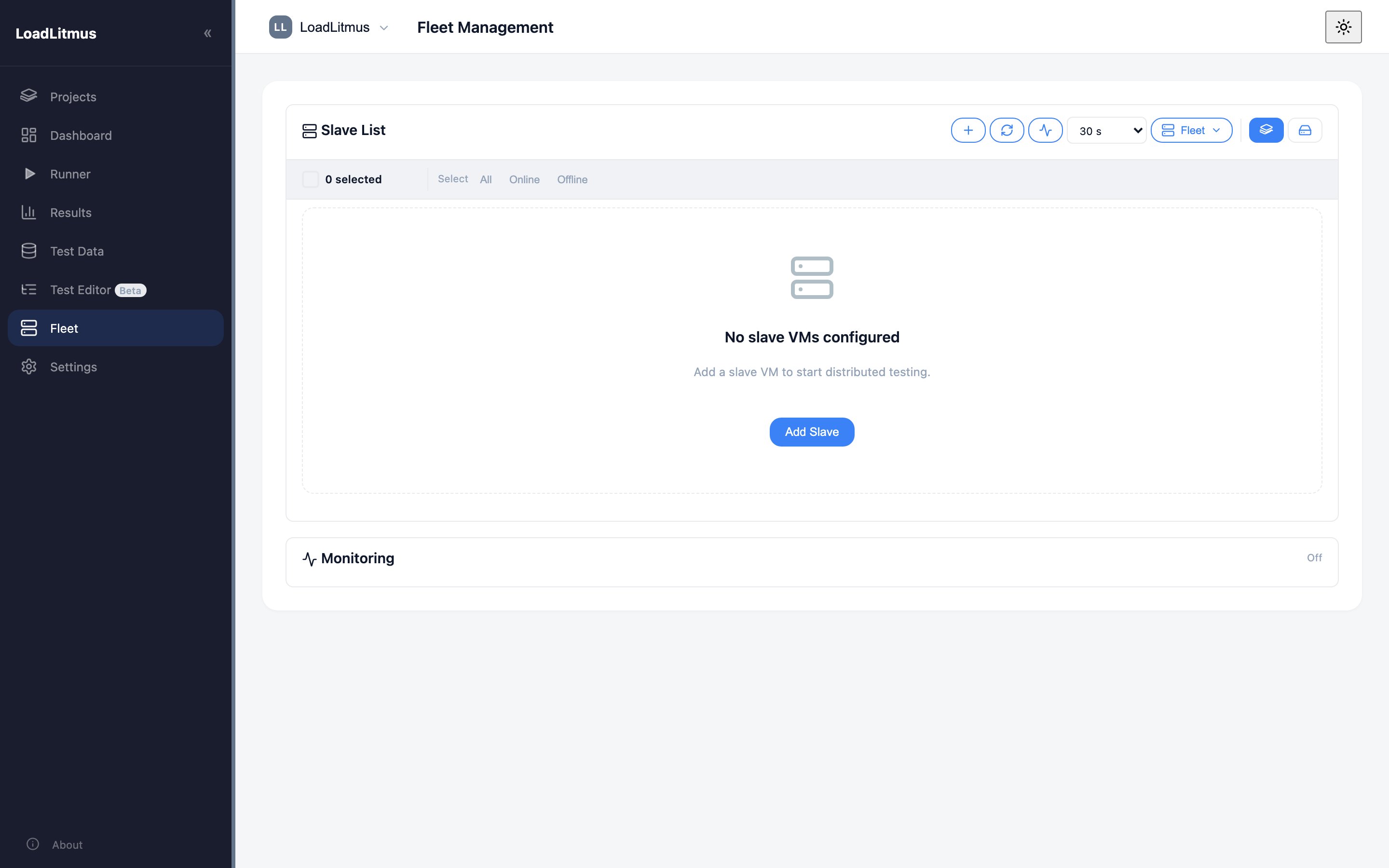
Global SSH defaults (user, key path, VM settings) live in App Settings → Fleet, so a new machine is a few fields, not a whole form.
Pin the callback port
The master receives results on client.rmi.localport. Left unset, JMeter picks a random high port — and a firewall cannot allow a random port. Pin it in JMeter Overrides (for example 60000) and give that number to the network team along with the rest.
Running distributed
Once slaves are enabled, the run starts on them instead of locally: the Runner page shows the mode, the plan is sent to each slave, and results stream back to the master, which writes one JTL and one report as usual.
Concurrency is per slave. 800 threads with 10 slaves is 8000 users, not 800. Set the number with that in mind.
Test data on slaves
Each slave reads its own copy of the CSV. Two rules make that work:
- Write paths as
${__P(user.dir)}/${__P(csv,test_data/users.csv)}so they resolve inside each slave's own folder. - Push the files from Test Data → Distribute before the run.
Then decide what each slave should read:
- Different rows per slave (split the file) when logins must be unique.
- The same file everywhere when the data can be reused.
Getting this wrong is a classic: 10 slaves all logging in as the same 50 users, and a login service that caches its way to a beautiful, meaningless result.
After the run
- Collect failed responses. If your script has Result Savers writing to
failed_response/<step>/, Fleet can gather them from every slave — the actual pages behind the errors. - Clear them before the next run, or you will be reading yesterday's failures.
- Health and metrics. Each slave's agent reports CPU, RAM, disk and network on port 9100, charted per slave. Check them: a slave pinned at 100% CPU was not generating the load you think it was, and the response times it recorded are its own queueing.
Tips
- Provision one slave, test it, then clone the VM. Faster than provisioning ten and debugging ten.
- Same JMeter version everywhere. A version mismatch between master and slave fails in ways that look like network problems.
- Watch slave CPU as a result, not a detail. If the generators are saturated, the test is invalid — rerun with more slaves or fewer threads each.
- Keep a local one-user run for every scenario. When a distributed run behaves oddly, that is your control.